
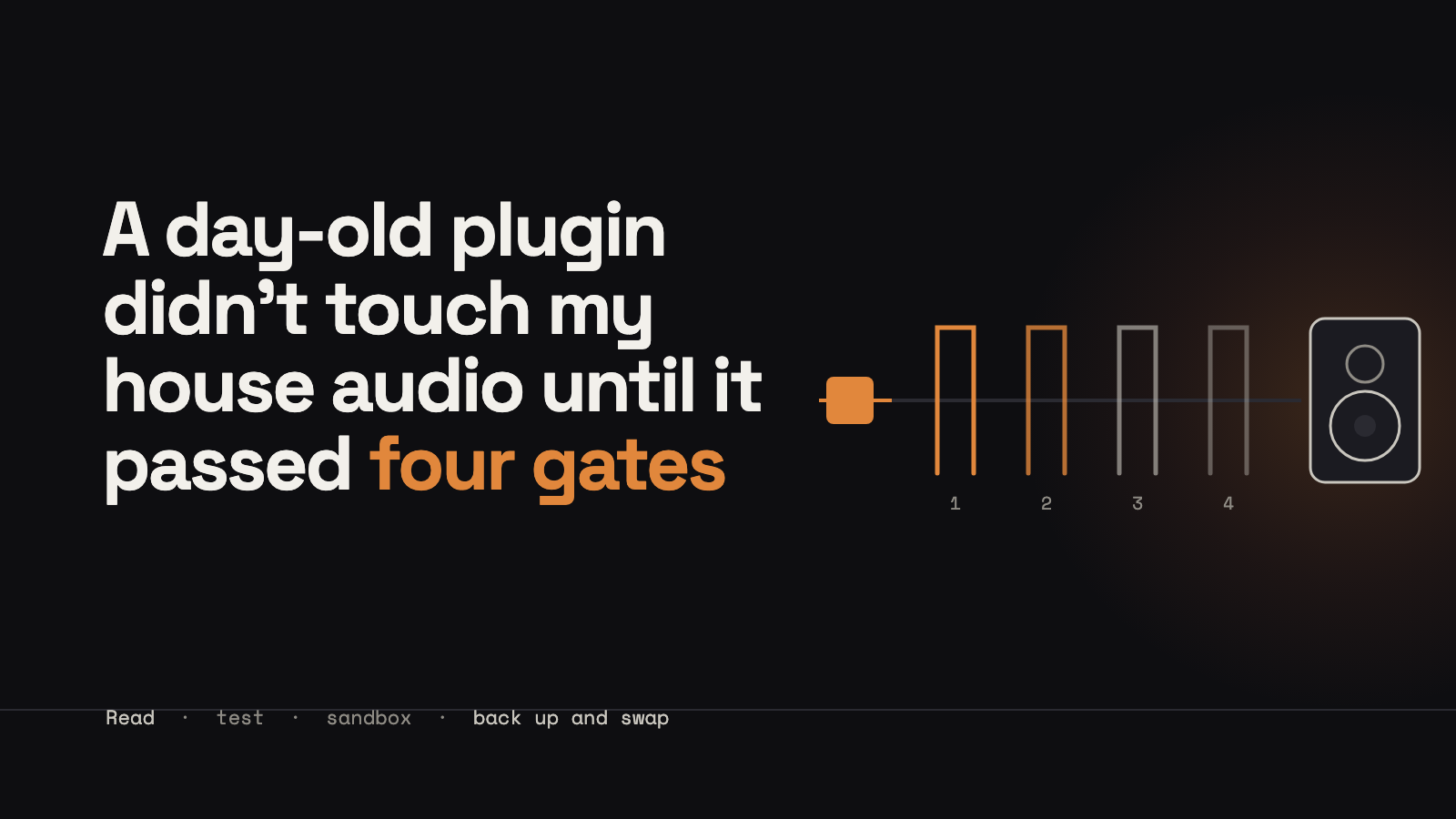
I wanted Music Assistant to play the live Twitch channels I follow, as radio stations anywhere in the house. Music Assistant had no Twitch source of its own. A community plugin for it existed, but it was one day old, written by someone I don't know. The plugin went through four gates before it got near the house audio: a read-through, a test run on my exact server version, a sandbox with the real speakers switched off, and a backed-up swap with the old server kept for rollback. When the swap was done, the only thing it had broken was an old bookmark.
There was no plugin folder
I hoped to drop the plugin into a folder. The Music Assistant version I ran only loaded music sources that ship inside its own image, and the plugin's own README said it couldn't run inside the Home Assistant add-on for that reason. Adding one small source meant building my own copy of the whole server.
I didn't want to touch the main Music Assistant code at all, so everything around the custom build had to be careful.
Gate 1: read all of it before any of it runs
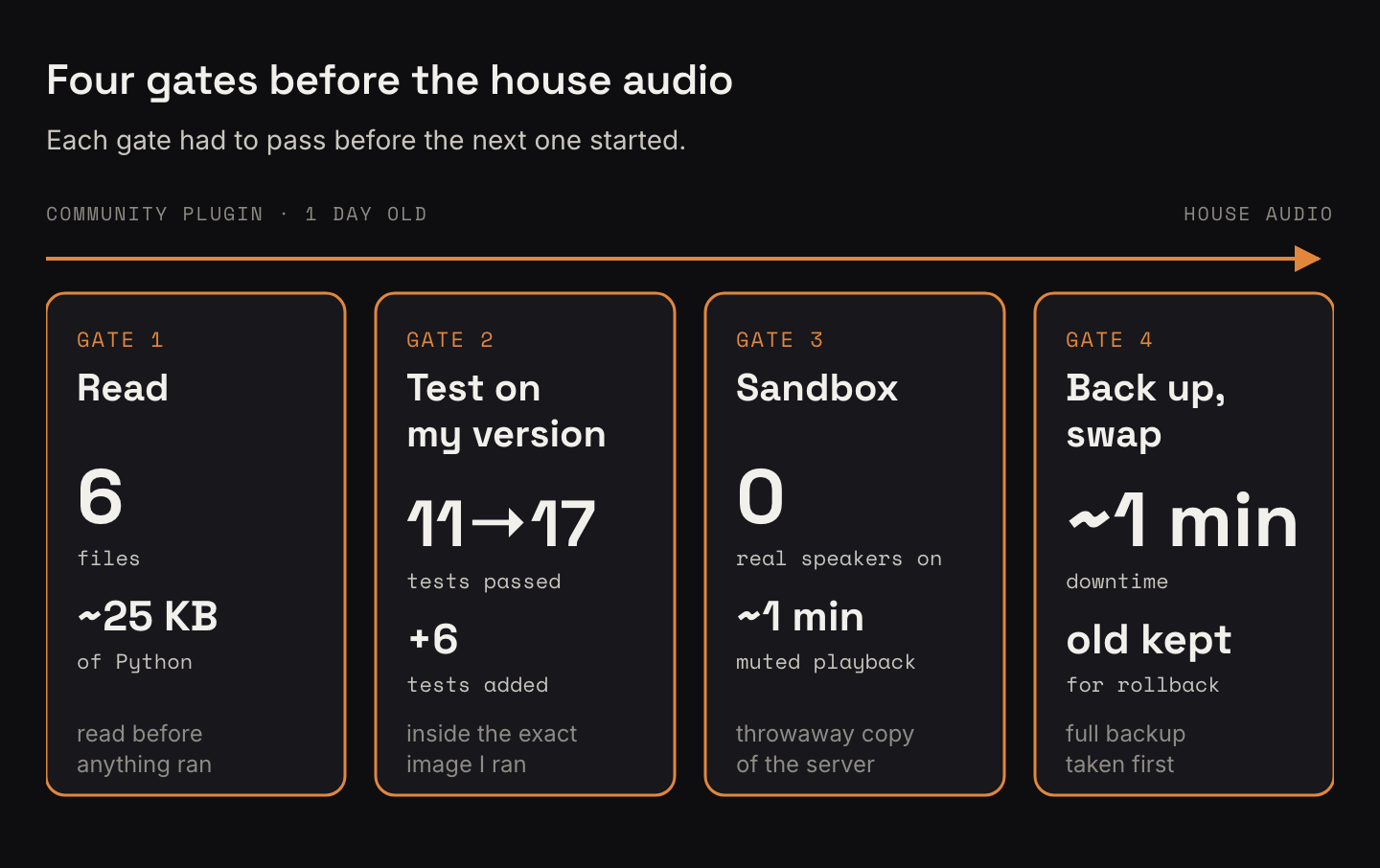
The plugin was about 25 KB of Python across 6 files. I had my coding assistant read every line before anything ran.
Gate 2: test it on the exact version I run
The plugin was built against the release just before the one I ran. I moved it up to my version and ran its tests, linting, formatting and type checks inside that exact Music Assistant image, with the checking tools pinned to the versions Music Assistant itself uses. All 11 existing tests passed.
Then I added the one feature I wanted, tests first: live followed channels would show up as stations in Music Assistant's Radio tab and drop off when they went offline. If Twitch couldn't be reached, the list would be left alone instead of being wiped. That added 6 tests, and all 17 passed.
Gate 3: a sandbox with the real speakers switched off
Tests don't show how code behaves next to everything else. The next stop was a throwaway copy of Music Assistant, with the house's real speakers switched off inside it, so the test copy couldn't compete with the real server for them.
In the sandbox the plugin loaded, the Radio tab listed 2 live channels I follow, and one of them played through Music Assistant's normal pipeline for about a minute on a muted browser player, with no stream errors.
Gate 4: back up, swap, keep the old one parked
The custom build went in as a local Home Assistant add-on: the official Music Assistant image with the plugin added. Before the swap I took a full backup. Then I started the new add-on and stopped the official one, which stayed installed and set to manual start so it could come back in one step. Home Assistant's Music Assistant integration found the new server on its own, and the entity IDs didn't change.
Music Assistant was down for about a minute.
On the real server the plugin loaded. Later the Radio tab held just the one channel still live, and the two that had gone offline had dropped off on their own.
The one thing that broke was a bookmark
After the swap, an old bookmark to the official add-on got opened. That tried to start the old server, which crashed straight away because the new one already held its ports. The new server kept running.
Two copies of the same server had sat one click apart. The fix was to hide the old add-on's sidebar entry, so nobody could start it by accident.
The parts that were not free
- Updates stopped being one click. From then on, every Music Assistant release meant moving the build to the new version, re-running the plugin's tests, and rebuilding. I accepted that on purpose.
- The sandbox test was small. The only playback test was about a minute on a muted player.
Before you add a stranger's plugin
- Test on your version, not theirs. Pin the checking tools to the same versions the host project uses.
- Switch off real outputs in the sandbox. A test copy that can grab your speakers isn't a sandbox.
- Park the old version, then hide it. Rollback should be one step. Starting it by accident shouldn't be.
Build it yourself
A vetting checklist for bringing an unreviewed community plugin into a self-hosted server you depend on:
- Read it. Every file. Note what it connects to, what access it asks for, and what it logs.
- Pin and test it. Lock to the commit you read, build on the same image you run, and run its tests, linting and type checks there with the host project's tool versions.
- Sandbox it. Run a throwaway copy with real outputs disabled, and watch it do the real job end to end.
- Back up and swap. Take a full backup, install the new build next to the old one, stop the old one and set it to manual start.
- Hide the old entry. Keep it for rollback, but make it hard to start by mistake.
If you have a rule for when a stranger's plugin earns a place on your server, I'd like to hear it.